7.5
Review: Vegas Pro 22
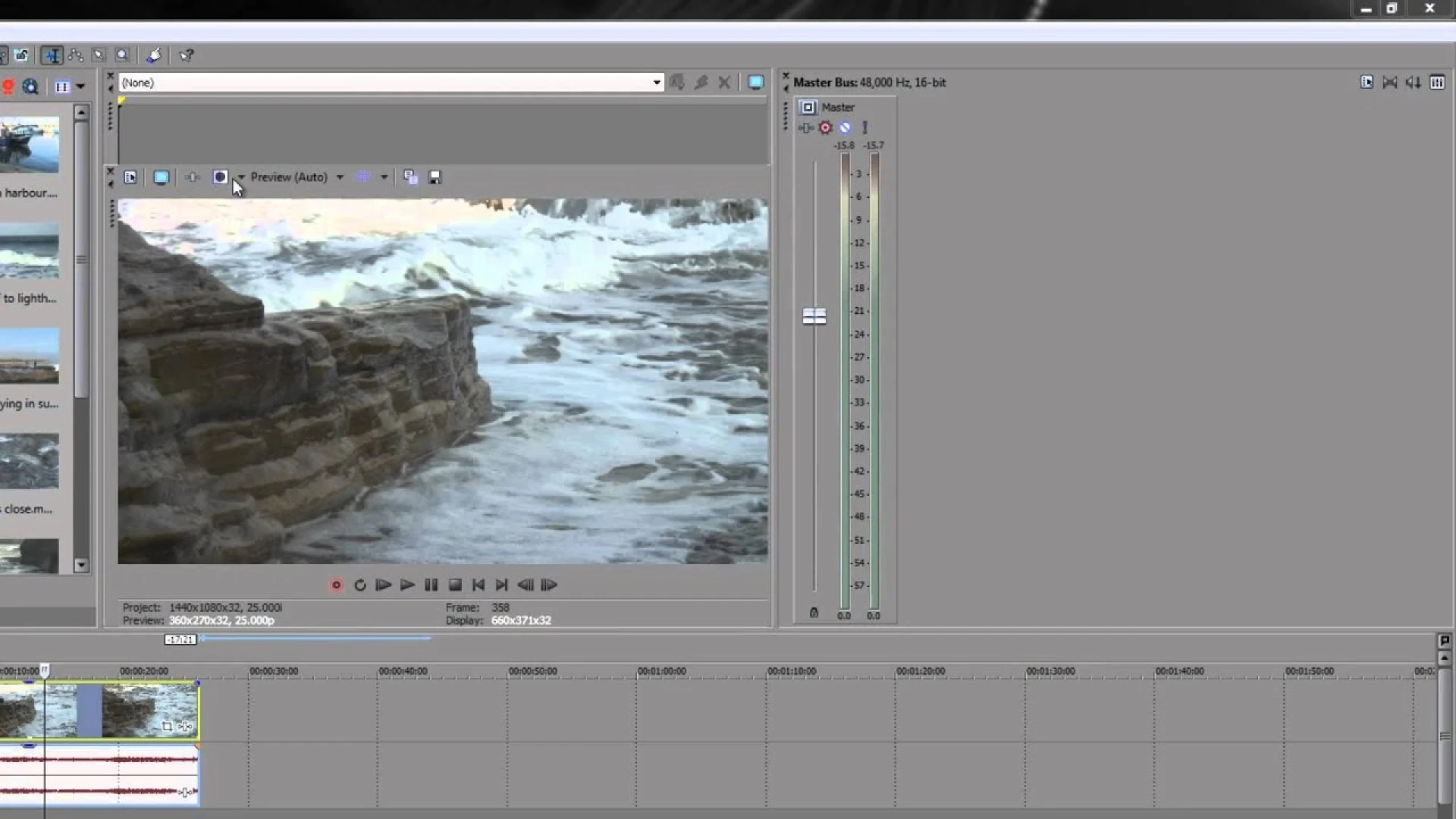
VEGAS Pro 22 is a powerful video editing software for both professionals and enthusiastic videomakers. This version includes new features and improvements that increase the creativity and efficiency of users. Below we discuss the main aspects of VEGAS Pro 22.
Key Functions
AI Assistant
The AI Assistant helps users at every stage of the creation process. By entering a concept or topic, this tool generates full storyboards. This simplifies project planning and visualization.
AI Auto Reframe
This tool automatically adapts videos to different image ratios. The main issue is always central. This is especially useful for content on multiple platforms with different formats.
Auto-Ducking
This function automatically adjusts the audio volume. Background music is muted during voice-overs and increased when the voice-over stops. This creates a balanced audio mix without manual adjustments.
Autonormalize
This function ensures a consistent volume by automatically adjusting audio to a chosen standard level.
Tempo detection and Beat detection
These tools analyze music and automatically detect the pace and important moments. This allows video editors to precisely tune their images to the music.
Audio Sync
With this function, multicam images and field recordings automatically sync based on audio tracks. This accelerates the workflow in multi-camera projects.
User Experience
Users have varying experiences with VEGAS Pro 22. Some note that the software has become more stable, especially when working with 4K files and the trimmer. The option to enable or disable outdated functions contributes to this stability.
Others praise the user-friendly interface and flexibility, but find the technical terminology confusing. In addition, some users experience high system consumption, making it difficult to run multiple programs simultaneously.
Installation and activation
Many users find the installation and activation process cumbersome and time consuming. It requires multiple steps that are not intuitive. A reviewer even called it a "complete waste of my time" and compared it to 1996 software installations.
Review Details
Verdict
No verdict has been added yet.
Pros
No pros have been added yet.
Cons
No cons have been added yet.
Tags

Comments (0)
You must be logged in to post a comment.
Login to commentNo comments yet. Be the first to comment!
Want the latest news in your Discord community?
Add our bot and get our GameFeed instantly in your server.
Add the Discord botRelated Reviews